

Targets, Goals, Filters & Actions
From the Target Configuration card, the Process menu (and the navigation bar) gives you four related pages. Together they define how achievement is measured and what happens when a goal is reached.Targets
Choose Targets to set the goal value for each group.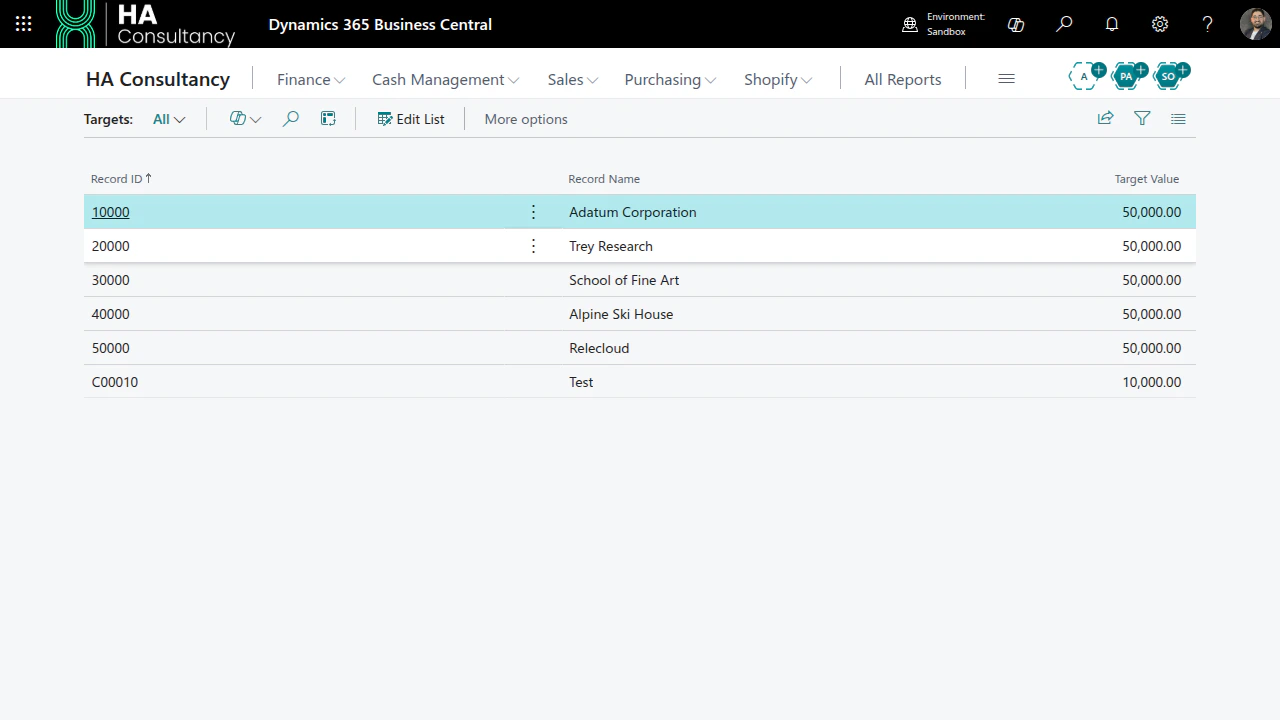
- Each line represents one group value (e.g. one salesperson) and its Target Value.
- Choose Refresh from Source to auto-populate the group values found in the source table. Existing target values are never overwritten.
- Use Export to Excel / Import from Excel to maintain targets in a spreadsheet and load them back in.
Goals
Choose Goals to define goal tiers - bands of achievement with a label.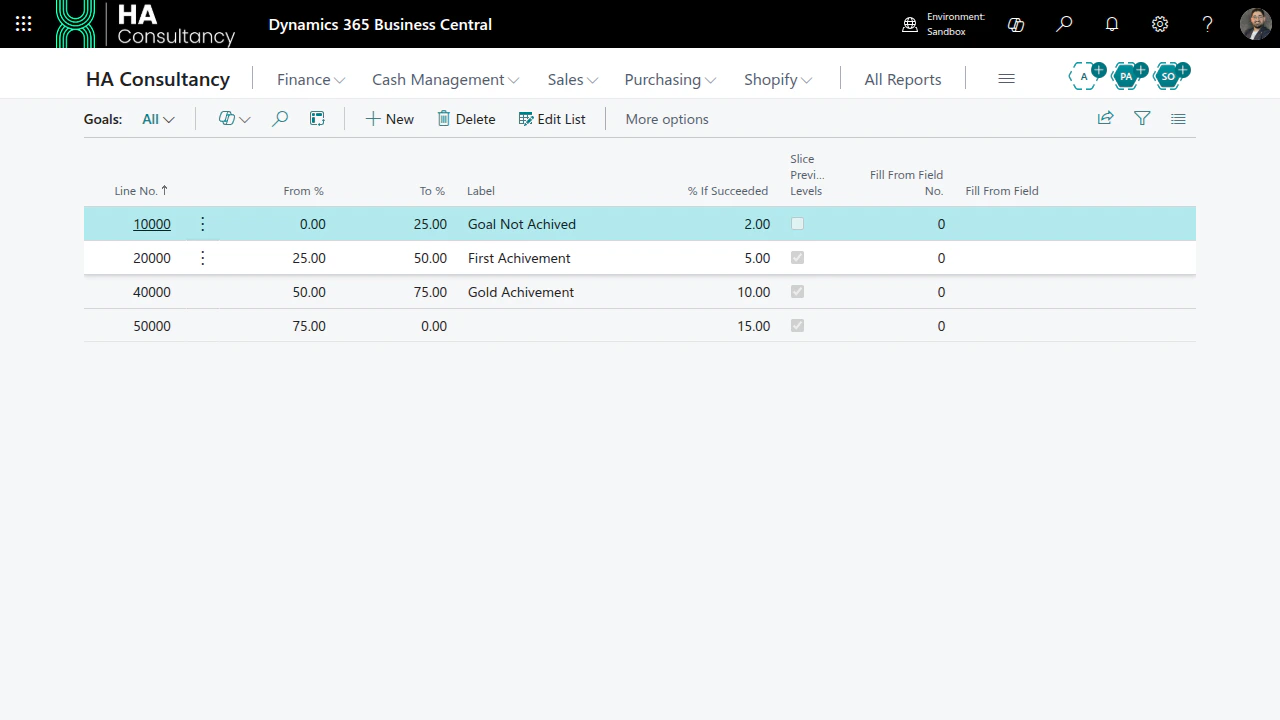
- Each tier has a From % and To % and a name (e.g. Bronze 0–60, Silver 60–80, Gold 80–100).
- Tiers must be contiguous (no gaps) and the last tier should reach 100 %. The page validates this for you.
- The reached tier is recorded on every result item so you can see who hit which band.
Filters
Choose Filters to include or exclude source records before they are summed.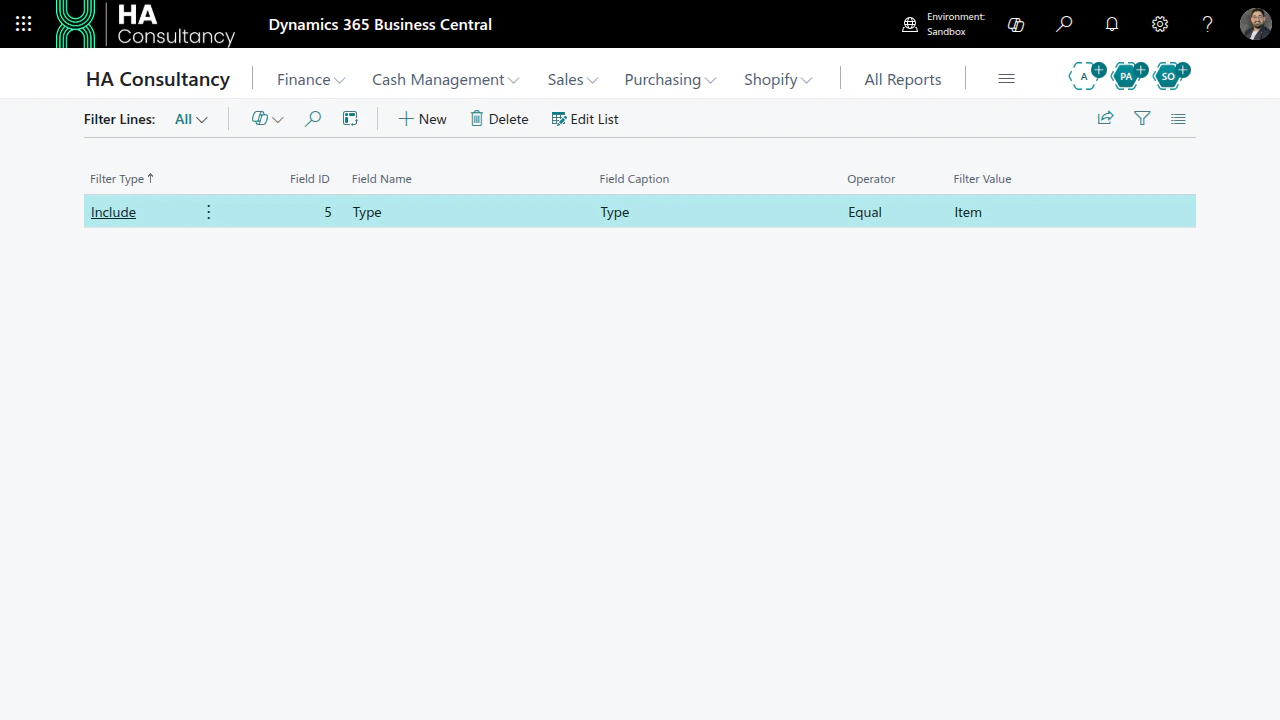
- Each line targets a field, an operator (Equal, Not Equal, Greater Than, Contains, Starts With, …), and a value.
- Mark a line as Include or Exclude to keep or drop matching records.
Actions
Choose Actions to define action plans that run when results are ready.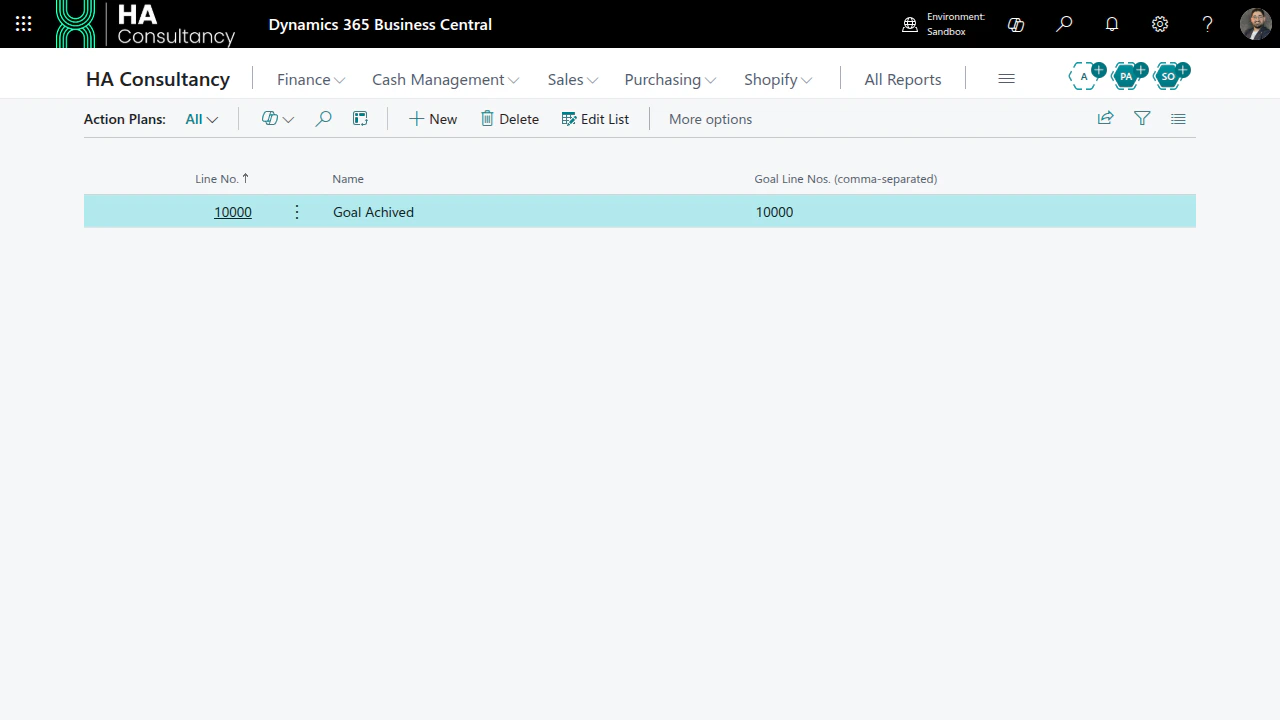
- An action plan groups one or more action steps.
- A plan can apply to all goal tiers or only specific ones.
- Steps can update a target record or run a registered action handler when the configured goal is reached.