

Getting Started
1. Assign permissions
The extension ships with two permission sets. Assign one of them to the relevant users (Users → Edit → Permission Sets, or Permission Set by User):2. Open the extension
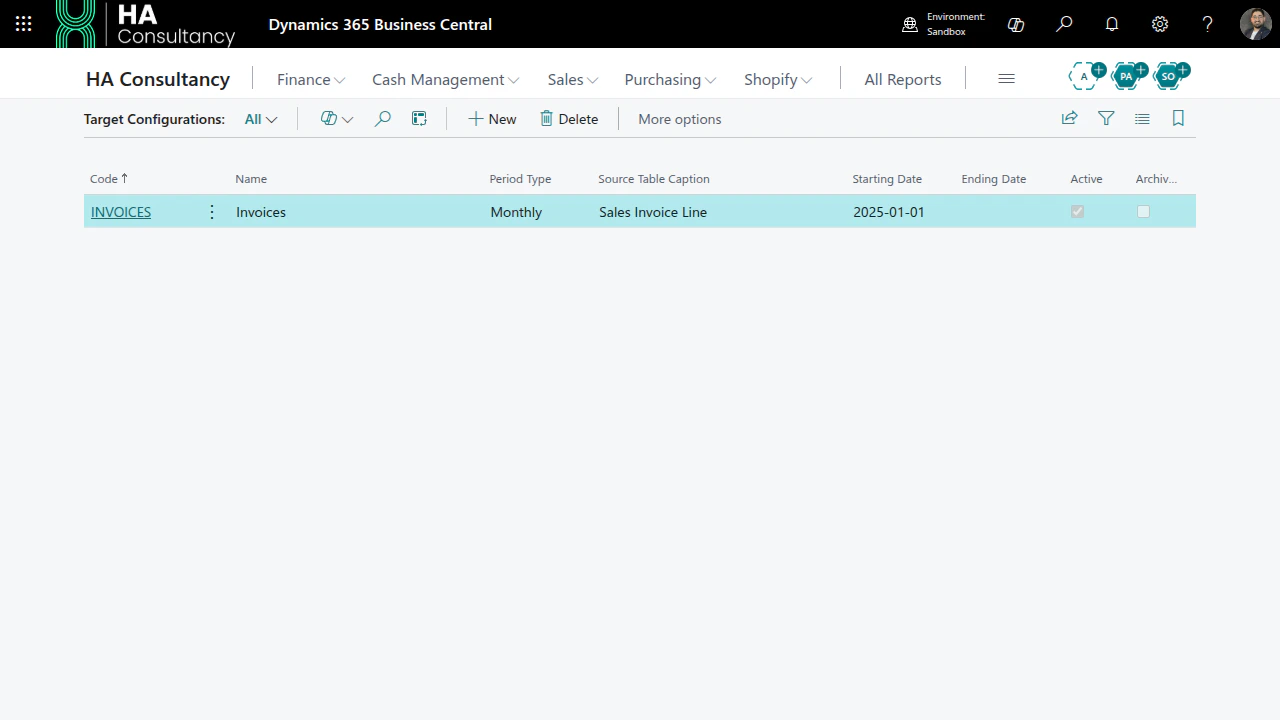
Choose the Tell Me icon (Alt+Q), type Target Configurations, and open the page.
This is your home for the extension.
3. Set up the Job Queue (one time)
So that calculations run automatically, the extension uses four standard Business Central Job Queue Entries. Create them in one click:- On the Target Configurations page, choose Setup Job Queue.
- The four entries are created with status On Hold so an administrator can review them.
- Open Job Queue Entries, review each entry, and set it to Ready when you are happy.
The four entries cover: result creation, the calculation engine, result-status updates, and action execution. Running Setup Job Queue again is safe - existing entries are preserved, not duplicated.You only need to do this once per environment. Next: create a configuration.